Pinterest Downloader: What It Is, How It Works, and When to Use One
You find a useful video on Pinterest a recipe, DIY tutorial, workout, design idea, or travel tip. You save it to a board, but later you want the actual file on your phone or computer.
Maybe you need offline access. Maybe you want to organize files for a project. Or maybe the pin is hard to find again.
Pinterest is designed mainly for saving ideas inside the platform. While it may allow direct downloads for some images, many videos, GIFs, and advanced pin types do not include a simple download option.
That’s where a Pinterest downloader becomes useful.
What Is a Pinterest Downloader?
A Pinterest downloader is an online tool that allows you to download media from a Pinterest pin link.
You simply:
- Copy the URL of a public Pinterest pin
- Paste it into the downloader
- Get access to downloadable media (if available)
Depending on the pin, you can download:
- Pinterest videos
- Images
- GIFs
- Supported pin media
The purpose is simple: instead of just saving a pin inside Pinterest, you get the actual file on your device.
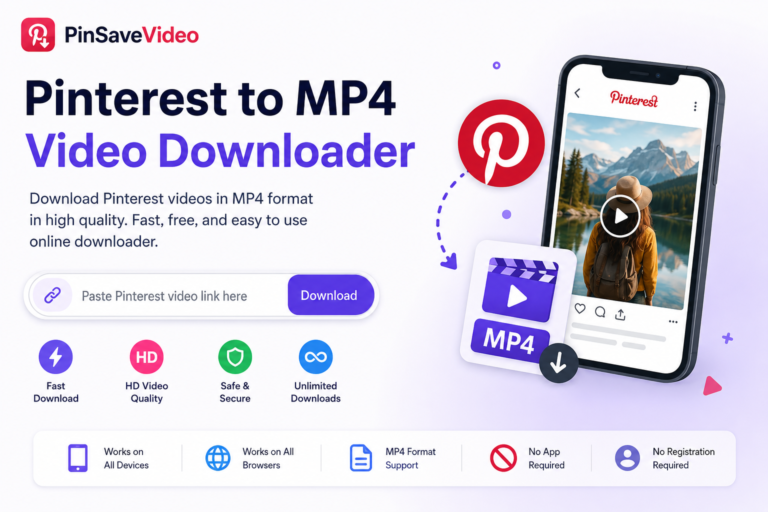
For example, PinSaveVideo lets you download Pinterest videos, images, and GIFs directly from your browser without installing any app or logging in.
How Does a Pinterest Downloader Work?
Most Pinterest downloaders follow a simple 3step process:
1. Copy the Pinterest Pin Link
Open the Pinterest post you want to download and copy its direct link.
Make sure it is a specific pin URL, not a board or profile link.
2. Paste the Link Into the Tool
Go to the downloader website and paste the link into the input field.
The tool scans the pin and checks for available media files.
3. Download the File
If the media is available, you can download it instantly.
- On desktop → saved in Downloads folder
- On mobile → saved in Files, Gallery, or Downloads
Tools like PinSaveVideo work directly in your browser on all devices.
When Should You Use a Pinterest Downloader?
You don’t always need a downloader. Pinterest boards are enough for saving ideas.
But in some cases, downloading is much more practical.
1. For Offline Access
If you want to access content without internet, downloading is the best option.
Useful for:
- Recipe videos
- DIY tutorials
- Fitness routines
- Study material
- Travel guides
- Design inspiration
2. To Download Pinterest Videos
Pinterest allows saving videos to boards, but not always downloading them.
Using a Pinterest video downloader is better than screen recording because:
- Higher quality
- No UI elements
- No notifications captured
3. For Project Organization
Many professionals use Pinterest for planning and research.
Downloading helps create organized folders like:
- Interior design ideas
- Logo inspiration
- Outfit references
- Social media content ideas
- Wedding planning boards
This makes it easier to sort, rename, and reuse files.
4. To Avoid Losing Important Pins
Pinterest content can be deleted, changed, or made private.
If a pin is important, downloading it ensures you don’t lose access.
How to Use a Pinterest Downloader Safely
Before using any tool, keep these safety tips in mind:
- Never enter your Pinterest password
- Avoid tools that require login
- Do not install unknown extensions
- Use HTTPS-secured websites
- Only paste the pin link
- Avoid suspicious downloads
A reliable tool should work without extra permissions.
Limitations of Pinterest Downloaders
Not all pins can be downloaded.
Some limitations include:
- Private or restricted content
- Deleted pins
- Unsupported formats
- Media not directly available
Also, downloading content does not give you ownership.
If you plan to reuse content publicly, always check copyright and get permission when needed.
Final Tips
Use a Pinterest downloader when you need the actual file, not just a saved pin.
Best use cases:
- Offline access
- Video downloads
- Project research
- File backup
- Content organization
Pro Tips:
- Always copy the direct pin link
- Use browser-based tools like PinSaveVideo
- Organize files by category
- Avoid tools asking for login
- Respect original creators
Conclusion
Pinterest is great for saving ideas, but sometimes you need the real file.
A Pinterest downloader makes it easy to download videos, images, and GIFs quickly and safely.
If you want a simple and fast solution, tools like PinSaveVideo help you download Pinterest content without apps, logins, or complications.
Start saving your favorite Pinterest content the smart way.