Pinterest Downloader Not Working? 8 Fixes That Actually Work
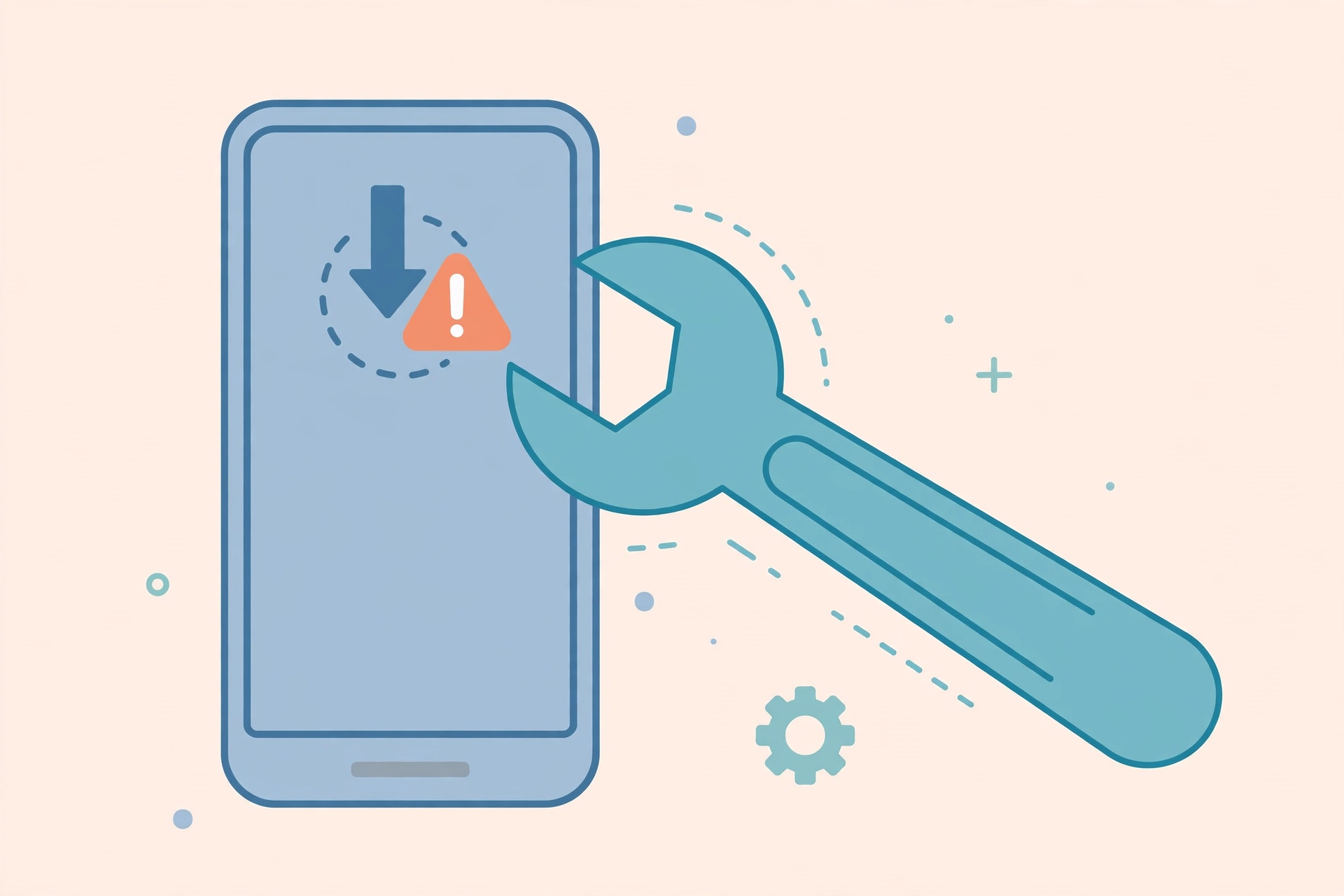
You pasted the Pinterest link, hit download — and nothing happened. Or you got a cryptic “link not supported” error. A Pinterest downloader not working is almost never a broken tool; it’s usually a bad link, a private pin, or a browser setting getting in the way. Here are 8 fixes that actually work, ordered from most to least common cause, so you can get back to saving pins in minutes.
Why Is Your Pinterest Downloader Not Working?
Before diving into fixes, it helps to know the usual suspects. In our experience helping thousands of readers, Pinterest video download failures come down to one of these:
- The copied link is wrong — a profile link, a board link, or extra text pasted along with the URL (by far the #1 cause).
- The pin is private or deleted — no public tool can reach it.
- An ad blocker or privacy extension is breaking the downloader’s link parser.
- Pinterest changed its page structure — downloaders need occasional updates to keep up.
- A network or browser hiccup — shaky Wi-Fi, a full cache, or an outdated browser.
Work through the fixes below in order. Most people solve it at Fix 1 or 2. And here’s a reassuring fact: genuine tool outages are rare. The overwhelming majority of the time, the downloader is fine — something small on your end just needs adjusting, which is exactly what this guide walks you through.
Fix 1: Re-Copy the Link (the Most Common Cause)
Half of all “Pinterest downloader not working” complaints trace back to the link. It’s easy to copy the wrong thing: Pinterest’s interface offers several share targets, and grabbing the wrong one gives the downloader a URL it can’t parse.
Do this:
- Open the pin itself — the single video or image page — not a board, not a profile.
- Tap Share > Copy link (mobile) or copy the full URL from the address bar (desktop).
- Paste it into a plain text note first and look at it. A valid pin link looks like pinterest.com/pin/123456789/ or a short pin.it/abc123 link. If you see /username/ or /board-name/ in there, you copied the wrong page.
- Copy the clean link again and paste only the link into the downloader — no extra spaces or text around it.
This single fix resolves more download failures than all the others combined. If your Pinterest downloader shows “invalid link” or “link not supported,” start here every time.
Fix 2: Check That the Pin Is Actually Public
No downloader — free or paid — can save a pin that Pinterest doesn’t serve publicly. That includes pins on private or secret boards, pins from accounts that require login to view, and pins the creator has deleted.
The quick test: open the pin’s link in an incognito or private browser window without logging in. If it loads and plays, it’s public and downloadable. If Pinterest asks you to log in or shows an error, the pin is restricted — and no tool will fix that.
Warning: any website that claims it can download private Pinterest pins is lying. Those sites exist to harvest your Pinterest login or install junk on your device. Close the tab and never enter your credentials.
Fix 3: Turn Off Your Ad Blocker for the Downloader Site
Strict ad blockers and privacy extensions (uBlock Origin in hard mode, Privacy Badger, Brave Shields at max) sometimes block the scripts a downloader uses to fetch and parse the Pinterest link. The page loads fine, you paste the link, you click download — and nothing happens.
- Click your ad blocker’s icon in the browser toolbar.
- Choose “Disable on this site” or pause it temporarily.
- Reload the downloader page and try your link again.
You don’t need to disable your blocker everywhere — just whitelist the one downloader site you’re using. Reputable downloaders like PinSaveVideo don’t rely on aggressive pop-ups, so whitelisting is safe.
Fix 4: Try a Different Browser
Sometimes the problem is your browser, not the tool. Outdated browsers, corrupted profiles, or overzealous built-in protections can silently break downloads.
- On iPhone: use Safari rather than the Pinterest in-app browser or Chrome. Safari handles file downloads on iOS most reliably.
- On Android: try Chrome if you’re on another browser, or vice versa. Some manufacturer browsers handle downloads oddly.
- On desktop: try an incognito window first — it disables extensions without you touching any settings. If it works there, an extension was the culprit.
- Make sure your browser is updated. A year-old browser version can fail on modern download pages.
Fix 5: Switch Your Network Connection
Downloads that start and then stall, or pages that hang on “processing” forever, are often network problems in disguise. Mobile data with a weak signal, congested public Wi-Fi, or a VPN routing you through a distant server can all break the link-fetching step.
- Switch from mobile data to Wi-Fi, or Wi-Fi to mobile data, and retry.
- If you’re on a VPN, turn it off temporarily. Some VPN exit nodes get rate-limited by Pinterest, which makes the downloader’s fetch fail.
- On corporate or school networks, firewalls sometimes block downloader sites entirely. Try your phone’s hotspot as a test.
- Check your available storage too. It sounds obvious, but a phone with 50 MB free can’t save a 40 MB video file — and the failure often shows up as a mysterious “download failed” with no further explanation. Free up some space and retry.
Fix 6: Try a Different Pinterest Downloader
Pinterest tweaks its page structure regularly, and every downloader needs time to adapt. If one tool suddenly stops working on links it used to handle, another tool may have already updated its parser.
Keep two or three reliable downloaders bookmarked so you always have a fallback. If your usual tool fails on a link, paste the same link into a different one before assuming the pin is the problem — the second tool succeeds surprisingly often.
One caveat: avoid tools that demand you install software, create an account, or disable your antivirus “to make it work.” A legitimate browser-based downloader needs none of that. For a deeper look at which tools are worth your time, see our comparison of the best Pinterest video downloaders for 2026.
Fix 7: Clear Your Browser Cache and Reload
A stale cache can leave you running an old, broken version of the downloader page even after the site has fixed itself. If a tool worked last week and fails today on every link, this is a likely cause.
- Quick version: hard-refresh with Ctrl+Shift+R (Windows) or Cmd+Shift+R (Mac).
- Thorough version: open your browser settings, clear cached images and files for the last 24 hours (you don’t need to clear cookies or history), then reload the page.
- On mobile, you can usually clear a single site’s data from the browser’s site-settings menu without wiping everything else.
Fix 8: Wait — Pinterest May Have Just Changed Something
Sometimes the failure is on Pinterest’s side, not yours. When Pinterest rolls out a site update, downloader parsers can break for hours or days until their developers push a fix. Signs this is happening: the tool fails on every link (not just one), and other downloaders fail too.
What to do: wait a few hours and try again, or check the downloader’s site for a status note. These outages almost always resolve on their own. A useful habit: before assuming anything is broken, test your link in a second downloader. If both fail on every link you try, it’s a Pinterest-side issue and patience is the only fix. If only one fails, that tool is the problem and the other is your answer.
In the meantime, the old-school fallback still works — play the video full-screen and use your device’s screen recorder. The quality won’t match a direct download, but it gets the job done for personal use.
Pinterest Download Error Messages, Decoded
Different tools phrase the same problems differently. Here’s what the most common error messages actually mean and which fix to try first:
- “Invalid link” / “Please enter a valid Pinterest URL”: the pasted text isn’t a pin link at all. See Fix 1 — re-copy from the pin itself.
- “Link not supported”: the URL is a Pinterest link, but not a single downloadable pin — often a board, profile, or search page. Can also appear when the pin is private.
- “Video not found” / “No media found”: the pin exists but the tool can’t see a video stream — usually a deleted pin, a pin whose video was removed, or a Pinterest-side change. Try another downloader; if they all say the same, the pin is the problem.
- “Processing…” forever: a network stall or a blocked script. Try Fix 3 (ad blocker) and Fix 5 (switch networks).
- Download starts but the file is 0 KB or won’t play: the transfer was interrupted or the “file” is actually an error page saved with an MP4 name. Retry on stable Wi-Fi, and if it repeats, switch tools.
Problems No Fix Can Solve
To save you time: these situations aren’t fixable with any setting or tool, so don’t keep troubleshooting them:
- Private or secret-board pins — Pinterest doesn’t serve them publicly, period.
- Deleted pins — if the original is gone, there’s nothing to fetch.
- Region-locked content — rare on Pinterest, but some pins don’t serve in certain countries.
- Removing embedded watermarks — if the creator baked their username into the video itself, no downloader can strip it out. That’s by design.
How to Avoid Pinterest Download Problems Next Time
A 30-second routine prevents most failures before they happen:
- Always copy the link from Share > Copy link on the pin itself.
- Glance at the pasted URL — it should contain /pin/ or be a pin.it short link.
- Use an up-to-date browser with the downloader site whitelisted in your ad blocker.
- Keep a backup downloader bookmarked for the days your main one is updating.
- Download on stable Wi-Fi when saving large video files.
Frequently Asked Questions
Why does my Pinterest downloader say “link not supported”?
Almost always because the pasted URL isn’t a single pin link — it’s a profile, board, or search page, or extra text came along with the paste. Re-copy from Share > Copy link on the pin itself and paste only the URL. If the link is correct and it still fails, the pin may be private or deleted.
Why did the downloader stop working suddenly?
The most common reason is a Pinterest site update that broke the tool’s parser — this affects many downloaders at once and usually gets fixed within a day or two. Try a different downloader in the meantime, clear your cache, and check whether the problem hits every link or just one.
My Pinterest video downloaded but has no sound. How do I fix it?
First check whether the original pin actually has audio — many Pinterest videos are silent by design, and a downloader can’t add sound that isn’t there. If the original has sound and your file doesn’t, the tool grabbed only the video stream; try a different downloader that preserves audio tracks.
Can an ad blocker really break a Pinterest downloader?
Yes. Strict blockers can stop the page’s link-parsing script from running, so clicking download does nothing. Whitelisting the downloader site (disable the blocker on that site only) fixes it without affecting your protection elsewhere.
Is it safe to use a different downloader when mine fails?
As long as it’s a reputable browser-based tool: no installs, no account required, no login asked. Never enter your Pinterest credentials into a downloader, and never install “required” software from one. When in doubt, stick to well-known tools — our Pinterest video download guide walks through the safe method step by step.
Conclusion
A Pinterest downloader not working is frustrating, but the fix is usually simple: re-copy the pin link correctly, confirm the pin is public, whitelist the site in your ad blocker, or try a different tool. Run through these 8 fixes in order and you’ll be saving pins again in minutes — no tech skills required.