The 8 Best Pinterest Video Downloaders Compared (2026 Guide)
Looking for the best Pinterest video downloader in 2026? With dozens of tools claiming to be the fastest, free-est, and highest-quality option, it’s hard to know which one to trust. We tested the most popular Pinterest downloaders — online tools, mobile apps, and desktop software — and compared them on speed, video quality, ads, ease of use, and supported content types. Here are the 8 that are actually worth your time.

Quick Picks: The Best Pinterest Video Downloaders at a Glance
Short on time? Here’s the summary before the full breakdown:
- Best free all-rounder (no install): PinSaveVideo — fast, free, handles videos, images, GIFs, and multi-page pins in any browser.
- Best minimalist online tool: PinDown.io — clean interface, quality options up to 4K.
- Best for bulk downloads: KlickPin — grabs up to 50 items from boards and profiles, plus MP3 audio extraction.
- Best ad-free experience: Publer — part of a social media management suite, no ads around the download flow.
- Best mobile app (Android): Video Downloader for Pinterest — share-menu integration for one-tap saves.
- Best desktop software: 4K Video Downloader+ — batch downloads and top quality for heavy users.
How We Compare Pinterest Downloaders
A fair Pinterest downloader comparison needs consistent criteria. We scored each tool on the things that actually matter to someone saving a pin:
- Video quality: does it fetch the highest resolution Pinterest serves (720p/1080p), or does it compress?
- Content support: single video pins only, or also images, GIFs, carousels, Idea Pins, and boards?
- Speed and reliability: how fast does a link turn into a file, and does it work consistently?
- Ads and upsells: is the page clean, or do you fight pop-ups and fake download buttons?
- Ease of use: copy, paste, download — or a maze of steps?
- Cost and signup: genuinely free with no account, or “free” with strings attached?
- Device coverage: works on phone and desktop, or locked to one platform?
One more thing about timing: this space moves fast. Pinterest updates its site regularly, tools rise and fall, and a downloader that was flawless six months ago can be broken today. That’s why we re-check these picks periodically — and why you should keep two bookmarked instead of depending on just one. If your favorite ever stops working, our troubleshooting guide will help you figure out whether it’s the tool or something on your end.
The 8 Best Pinterest Video Downloaders in 2026
1. PinSaveVideo — Best Free All-Rounder
PinSaveVideo is a free browser-based downloader that handles the full range of Pinterest content: video pins as MP4, images in original quality, GIFs, carousels, and multi-page Idea Pins. Paste a pin link, get your files — no install, no account, no fees.
Strengths: genuinely free; works on iPhone, Android, and desktop in any browser; supports the tricky formats (Idea Pins, carousels) that simpler tools miss; clean page without aggressive pop-ups. It’s the tool we recommend first because it covers the most situations with the least friction — most readers never need anything else.
Limitations: like every browser tool, it can’t download private pins or content Pinterest has removed, and it’s subject to fair-use limits during peak traffic.
Best for: anyone who wants one bookmark that handles nearly every Pinterest download scenario. Try it at our free Pinterest video downloader.
2. PinDown.io — Best Minimalist Online Tool
PinDown.io keeps things deliberately simple: a box, a button, and quality choices up to 4K when the source supports it. It offers a preview before you download, which is handy for confirming you’ve got the right pin.
Strengths: fast parsing, uncluttered interface, high resolution options, works on all devices.
Limitations: the page carries ads, and bulk/board downloads aren’t its focus — it’s built for one pin at a time.
Best for: users who want the simplest possible single-video download with quality options.
3. KlickPin — Best for Bulk Downloads
KlickPin stands out for collection support: it can pull up to 50 items from a public board or profile in one request, where most tools handle a single pin per link. It also offers MP3 conversion for extracting audio from video pins.
Strengths: board and profile downloads, multi-pin share links, carousels, MP3 audio extraction, fast scraping.
Limitations: ad-supported pages, and the interface is busier than minimalist alternatives.
Best for: researchers, mood-board builders, and anyone archiving whole boards rather than single pins.
4. SavePinMedia — Best for 1080p Quality Focus
SavePinMedia is a straightforward web tool with an emphasis on full-HD downloads. Paste a pin link, pick your quality, save the MP4. It covers videos, images, and GIFs.
Strengths: clean process, 1080p quality focus, fast on mobile browsers.
Limitations: no collection/board support, no previews on some link types, ad-supported.
Best for: users who mainly save single video pins and want the HD version without fuss.
5. Publer — Best Ad-Free Experience
Publer is primarily a social media management platform, but its free Pinterest video downloader is notable for one reason: no ads and no watermarks in the download flow. It’s backed by an established company rather than a one-page ad site.
Strengths: ad-free, no watermarks, trustworthy operator, part of a broader toolkit if you manage social accounts.
Limitations: downloading is a side feature, so advanced options (bulk, format choices) are thinner than dedicated tools.
Best for: anyone who hates ad-cluttered downloader pages and wants a clean, corporate-backed tool.
6. GetInDevice — Best Guides + Tool Combo
GetInDevice pairs its downloader with genuinely useful troubleshooting guides, which makes it a good pick if you’re the kind of person who hits errors and wants answers on the same site. The tool itself handles the standard video/image/GIF range.
Strengths: helpful documentation alongside the tool, standard format support, works across devices.
Limitations: not the fastest parser in this list, and bulk features are limited.
Best for: beginners who want guidance built into the experience.
7. Video Downloader for Pinterest (Android App) — Best Mobile App
If you save pins daily on Android, a dedicated app beats copy-pasting into a browser every time. Video Downloader for Pinterest adds itself to Android’s share menu: in the Pinterest app, tap Share, choose the downloader, and the save happens in the background while you keep scrolling.
Strengths: one-tap workflow from the Pinterest app, background downloads, good format support.
Limitations: Android only — iPhone users are stuck with browser tools (Apple doesn’t allow this kind of share-menu downloading on iOS). In-app ads are common. Only install from the official Google Play listing, never from random APK sites.
Best for: heavy Android users who download multiple pins per day.
8. 4K Video Downloader+ — Best Desktop Software
For power users on Windows or Mac, desktop software still wins on two fronts: batch downloading entire lists of links, and grabbing the absolute highest quality available (up to 8K where the source allows). 4K Video Downloader+ is the established name here, with playlist-style queueing.
Strengths: batch downloads, highest quality options, no browser needed once installed, reliable for large jobs.
Limitations: requires installation, the free tier caps daily downloads, and it’s overkill if you save a pin once a week.
Best for: creators and researchers downloading in bulk on desktop.
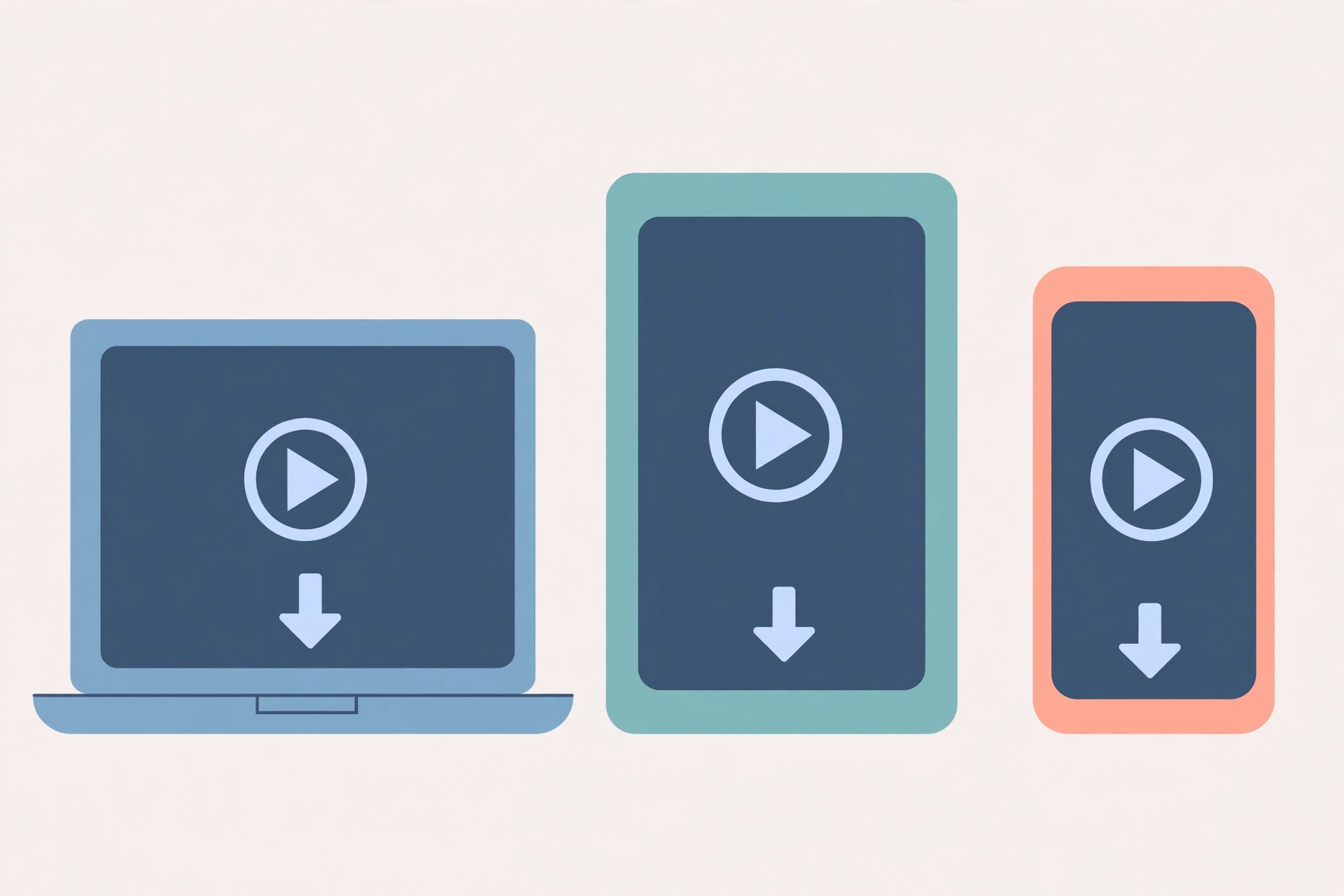
Online Tool vs Mobile App vs Desktop Software: Which Do You Need?
The best Pinterest video downloader for you depends on how you save, not just which tool scores highest:
- You save a few pins a week on your phone: a free online tool is perfect. Bookmark one, copy-paste the link, done. No install, no commitment.
- You save pins every day on Android: get the share-menu app. Skipping the copy-paste step hundreds of times a month is worth the install.
- You’re on iPhone: browser tools are your only real option — use Safari with a downloader bookmarked. See our iPhone download guide for the exact steps.
- You archive boards or download in bulk: use a tool with collection support (KlickPin) or desktop software with batch queues.
- You need maximum quality for editing: desktop software gives you the most control over resolution and format.
What the Best Pinterest Video Downloader Must Have
Whatever you choose, check it against this list before trusting it with your links:
- No account required — a downloader has no legitimate reason to need your email or Pinterest login.
- No watermark added — the file should match what Pinterest serves, with nothing stamped on it.
- Original quality preserved — it should fetch the best version available, not recompress it.
- Multi-format support — video, images, GIFs, and ideally carousels and Idea Pins.
- Clear download buttons — one obvious button per file, not a minefield of fake “Download” ads.
- No software install demanded — for browser tools, anyway. “Install our extension to continue” is a red flag.
Red Flags: Pinterest Downloaders to Avoid
Not every tool with “Pinterest downloader” in its name deserves your click. Walk away from any site that:
- Asks for your Pinterest login. Downloaders read public pages — they never need your credentials. A login prompt means phishing.
- Promises private-pin downloads. Technically impossible for a browser tool; the promise is bait.
- Requires a software install or browser extension “to unlock” downloads. That’s how adware gets distributed.
- Shows countdown timers, fake virus warnings, or “your download is ready” pop-ups before you’ve even pasted a link.
- Charges for basic downloads while offering nothing a free tool doesn’t do better.
If a downloader starts misbehaving — sudden pop-up storms, new “required” installs — just switch tools. There are plenty of honest ones, including the free options above.
Our Verdict
For most people, a free online tool is the best Pinterest video downloader — it handles the occasional save without installs or accounts, and the good ones now support Idea Pins and carousels too. PinSaveVideo is our top pick for that job because it covers the widest range of content types in the cleanest package.
Go bulk with KlickPin when you’re archiving boards, grab the Android app if you save daily on your phone, and only reach for desktop software when you’re processing dozens of links at once. Whatever you pick, keep the red-flag list handy — the shady tools are the only real danger in this space.
One last reminder: downloading is for personal use — offline viewing, inspiration boards, reference files. The pins belong to their creators, so get permission before reposting or using them commercially.
Frequently Asked Questions
What is the best free Pinterest video downloader?
For most users, a free browser-based tool like PinSaveVideo is the best choice: no install, no account, and support for videos, images, GIFs, carousels, and Idea Pins. It handles everything the average person needs without cost or signup.
Is there a Pinterest video downloader app for iPhone?
Not a real one — Apple’s iOS restrictions prevent the share-menu downloading that Android apps use. iPhone users should use a browser-based downloader in Safari instead; it works just as well for saving videos, images, and GIFs.
Can these downloaders save Pinterest videos in HD?
Yes, when the original was uploaded in HD. The best tools fetch the highest resolution Pinterest serves (usually 720p or 1080p) without recompressing. No tool can create quality beyond what the creator uploaded, though — a blurry source stays blurry.
Do Pinterest downloaders add watermarks?
Reputable ones don’t. The file you get should match what Pinterest serves. If the creator baked their username into the video itself, that mark stays — but the downloader shouldn’t add anything of its own.
Are Pinterest video downloaders safe to use?
Browser-based tools from reputable sites are safe: they just read public Pinterest pages. Avoid any tool that asks for your login, demands software installs, or promises private-pin downloads — those are the unsafe ones. When in doubt, stick to the well-known options in this guide.
Conclusion
The best Pinterest video downloader in 2026 is the one that matches how you save: a free online tool for occasional pins, an Android app for daily saving, desktop software for bulk jobs. Start with a clean, free browser tool, keep a backup bookmarked, and steer clear of anything asking for your login. Happy saving.