How to Download Pinterest Videos via Telegram Bots (Free Step-by-Step Guide)
Yes — you can download Pinterest videos via Telegram bots without installing anything new. Just open Telegram, start a chat with a downloader bot, paste your Pinterest video link, and the bot sends the video file straight back to your chat in seconds. It is free, it works on both iPhone and Android, and you never have to leave Telegram to make it happen.
If you have ever found the perfect Pinterest video — a recipe, a craft tutorial, a workout routine — and wished you could save it to your phone for offline viewing, this guide is for you. Below you will learn exactly how to download Pinterest videos via Telegram step by step, which Telegram bots are actually worth trying, what to do when a bot stops responding, and how to keep your account safe while you do it. You will also see a faster no-bot alternative for the days when you just need the video right now.

Why Download Pinterest Videos via Telegram Bots?
Pinterest does not offer a built-in download button for videos, so people have found creative workarounds. Telegram bots are one of the easiest. Instead of hunting for shady apps or sketchy websites, you stay inside an app you probably already use every day. Here is why so many people prefer this method:
- No app to install. You do not need another downloader app eating up storage. Telegram itself does the heavy lifting.
- Works on any device. As long as you can run Telegram — iPhone, Android, desktop, even a web browser — the bot works the same way.
- Super fast on mobile. Sharing a link from the Pinterest app straight into Telegram takes a few taps, and the video usually arrives within seconds.
- Your files stay organized. Every video a bot sends you stays in your chat history, so you can find it later with a quick search instead of digging through folders.
- Free and unlimited. Most downloader bots do not charge anything, and you can download as many videos as you want.
- Handles pin.it short links. Pinterest often shares links like pin.it/xxxx — good bots resolve those redirects automatically.
One quick note before we go further: pins belong to the people who created them. Saving a video to watch later for yourself is fine, but reposting it or using it commercially without the creator’s permission is not. And just so expectations are set — bots can only fetch videos from publicly accessible pins. If a pin sits on a private board, no bot (or downloader tool) can reach it. That is a Pinterest restriction, not a bot problem.
What Is a Pinterest Video Downloader Telegram Bot?
A Pinterest video downloader Telegram bot is a small automated account inside Telegram that converts Pinterest links into downloadable video files. You send it a link, and it replies with the actual MP4 video as a message attachment. Think of it like a helpful friend who grabs the video for you.
Behind the scenes, the process is simple. The bot reads the Pinterest URL you send, opens the public pin page, finds the direct video file that Pinterest serves to viewers, and passes it back to you through Telegram’s messaging system. You never type in your Pinterest login, and the bot never touches your Pinterest account.
What these bots can and cannot do
- They can: fetch videos from public pins, idea pins, and many GIF-style pins; return the file as an MP4 you can save; work in group chats too (handy for sharing with friends).
- They cannot: download from private boards or secret pins; bypass creator deletion (if the pin is gone, it is gone); guarantee the highest quality every time — they serve whatever quality Pinterest makes available for that pin.
Bots also have size limits, so a very long or ultra-high-resolution video might not come through. If that happens, try a shorter clip or use our complete how-to-download-Pinterest-videos guide to pick a method that fits the file.
How to Download Pinterest Videos via Telegram in 5 Steps
Here is the exact process to download Pinterest videos via Telegram, from copying the link to saving the file on your phone. The whole thing takes about a minute once you have done it once.
Step 1: Find the video on Pinterest and copy its link
Open the Pinterest app or the Pinterest website and tap the video you want. Tap the share icon (the arrow pointing up on iPhone, or the three dots on Android) and choose “Copy link.” The link will look like pinterest.com/pin/1234567890/ or a short pin.it link. Either format works.
Step 2: Open Telegram and find a downloader bot
In Telegram, tap the search bar at the top and type the bot’s username — for example, one of the bots listed in the next section. Make sure you pick the real bot (check that it looks official and has a decent history) and not a copycat. Tap it to open the chat.
Step 3: Start the bot
Tap the “Start” button at the bottom of the chat. Most bots greet you with a short welcome message explaining what to do. Some bots also show a menu with options like “Help” or language settings — you can safely ignore those.
Step 4: Paste your Pinterest link and send it
Paste the Pinterest link into the message box and hit send. A few bots want you to type a command first (like /pin followed by the link), but most modern Pinterest video downloader Telegram bots accept a plain link with no command needed.
Step 5: Download the video from the chat
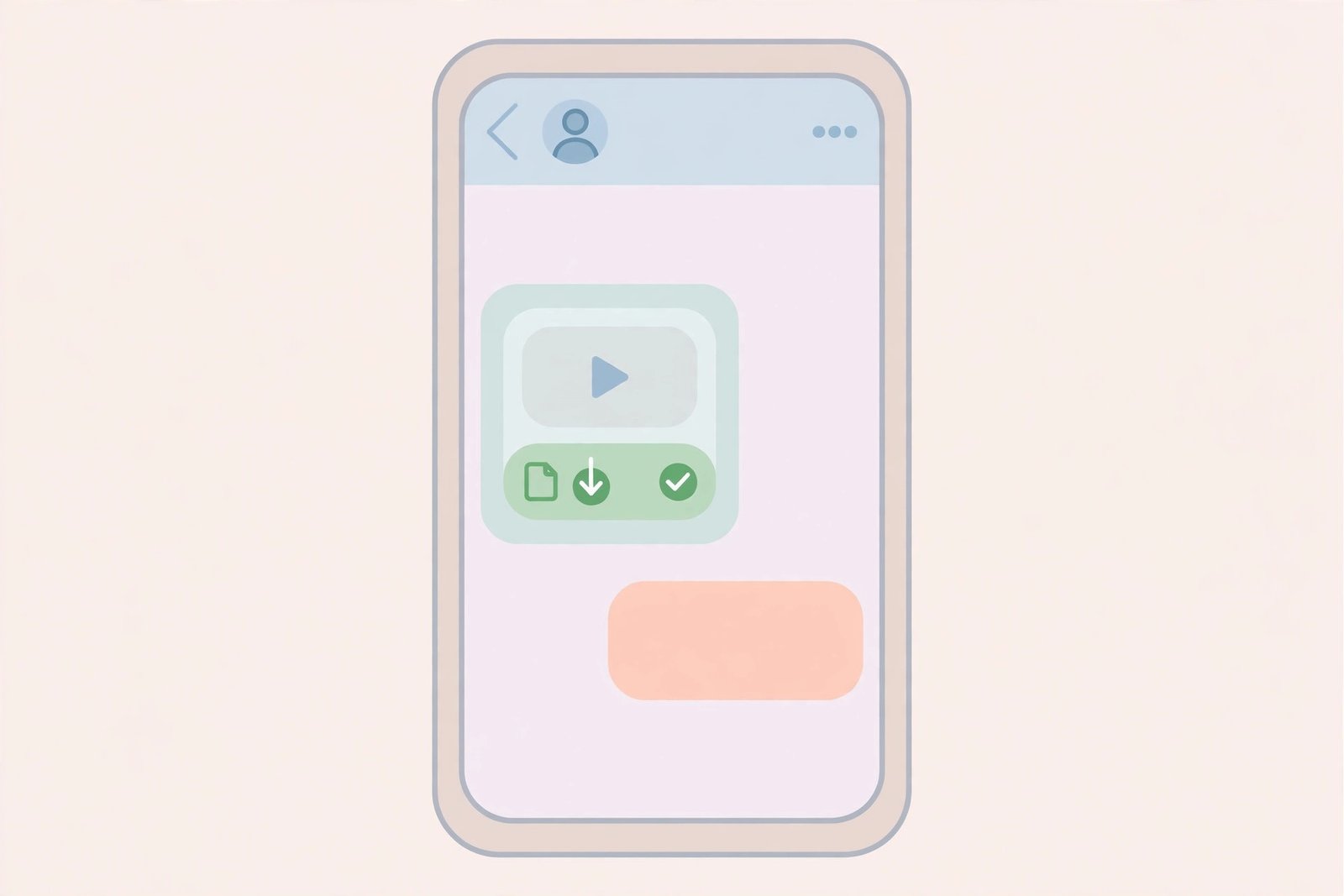
Within a few seconds, the bot replies with the video attached as a message. Tap the video to preview it, then tap the download or save icon to store it on your device. On phones, this usually lands in your Telegram downloads folder or your photo gallery — more on that in the iPhone and Android sections below.
Best Pinterest Video Downloader Telegram Bots Worth Trying
There are dozens of bots out there, and honestly, they come and go — a bot that works perfectly today can vanish tomorrow. Instead of recommending one “forever bot,” here is how to find a good Pinterest video downloader Telegram bot and a few well-known types you will see mentioned online:
- Multi-platform downloader bots (like SaveAsBot). These handle Pinterest alongside TikTok, Instagram, and other apps. They are popular because one bot covers everything, and their commands are usually simple: paste a link, get the file.
- Pinterest-focused bots. Bots built specifically for Pinterest tend to handle pin.it short links and idea pins more reliably. Some downloader websites also run their own official Telegram bot — check the site’s homepage for a Telegram link before trusting a random lookalike in search results.
- Inline bots. A few bots work in “inline mode,” which means you can type the bot’s username in any chat (even a group chat with friends) and fetch the video without switching conversations.
How to spot a trustworthy bot
- It only asks for the Pinterest link — never your Pinterest password, phone number, or payment details.
- It has an active history: recent reviews, mentions in guides, or an official website linking to it.
- It does not spam you with ads or push you toward “premium” upgrades just to download one video.
- The username matches exactly. Copycats often use nearly identical names with one letter changed.
If a bot ever asks you to log in to Pinterest, share personal details, or install a suspicious file, close the chat and find another bot. A real downloader bot never needs any of that.
How to Download Pinterest Videos via Telegram on iPhone
Using Telegram to download Pinterest videos on iPhone is smooth once you know where the file ends up. iOS handles Telegram downloads a little differently than Android, so here is the iPhone-specific flow:
- Copy the link from the Pinterest app. Open the video, tap the share icon, and tap “Copy Link.”
- Paste it into the bot chat in Telegram. Switch to Telegram, open your downloader bot, paste, and send.
- Wait for the video message. The bot replies with the MP4 attached. Tap it to preview.
- Save it. Tap the share icon on the video message, then choose “Save Video.” This moves it into your Photos app so it lives with the rest of your camera roll.
Two iPhone quirks worth knowing. First, Telegram sometimes saves files to the Files app under Downloads instead of Photos — if the video is not in your camera roll, check the Files app. Second, if a video will not play after saving, try opening it in the VLC app, which handles unusual video encodings better than the default player. For the full iOS walkthrough with screenshots of each menu, see our dedicated download Pinterest videos on iPhone guide.
How to Download Pinterest Videos via Telegram on Android
Android makes this even easier because you can share straight from Pinterest into Telegram without copying anything:
- Share directly. In the Pinterest app, tap the share icon on the video and choose Telegram from the share sheet — then pick your downloader bot chat. The link is pasted for you automatically.
- Send and wait. The bot replies with the video file within seconds.
- Save to your gallery. Tap the download arrow on the video message. On most Android phones it lands in your gallery app under a “Telegram” album, or in your file manager under Telegram/Telegram Video.
- Move it if you like. Use your file manager to move the video to your Downloads or DCIM folder so it shows up wherever you keep your videos.
One Android tip: if your gallery does not show the video right away, open your file manager and look in the Telegram folder — Samsung Internet and some other browsers use their own download locations, but Telegram always saves inside its own folder first. From there you can move the file anywhere you want.
Troubleshooting: Why Your Telegram Bot Is Not Downloading
Sometimes a Pinterest video downloader Telegram bot does not respond, or it replies with an error. Before you give up, run through these common causes — nine times out of ten, one of them is the fix:
The bot is offline or overloaded
Free bots get hammered during peak hours. If you send a link and get silence for more than a couple of minutes, wait a bit and try again. If it stays quiet for hours, the bot may be down — try a different bot from the same category.
The link was not recognized
This usually happens with shortened or unusual URLs. Go back to Pinterest, open the pin in your browser, and copy the full pinterest.com address from the address bar instead of the share sheet. Paste that full URL into the bot. Also make sure you did not accidentally copy extra text along with the link.
The pin is private or deleted
No Telegram bot can download a video from a private board, a secret pin, or a pin the creator has deleted. This is a Pinterest limitation, not a bot bug. If the pin was there yesterday and is gone today, that is almost certainly what happened. Re-copy the link fresh and try once more before concluding it is private.
The video is too long or too large
Bots have file-size limits. A very long video or an ultra-high-resolution upload may fail to come through, or the bot may send a lower-quality version instead. If quality matters, note that you can also convert Pinterest videos to MP4 in full quality with a web-based tool instead.
Your Telegram app is outdated
Old Telegram versions sometimes fail to display or download bot attachments. Update Telegram from the App Store or Google Play, restart the app, and send the link again.
Is It Safe to Use a Pinterest Video Downloader Telegram Bot?
For most people, yes — as long as you follow a few common-sense rules. Downloader bots are third-party tools, not official Pinterest features, so a little caution goes a long way:
- Never share your Pinterest login. A legitimate bot only needs the video link. If a bot asks for your password, username, or email, leave immediately.
- Do not hand over personal info or money. Avoid bots that request your phone number, payment details, or a “verification fee.” Downloading Pinterest videos via Telegram should be free.
- Stick to well-known bots. Check for recent reviews or an official website that links to the bot. Copycat bots with nearly identical usernames are the most common trick.
- Be careful with files you did not expect. A downloader bot should send you a video file — nothing else. Do not open random APK files, ZIP archives, or links to “claim your prize.”
- Keep Telegram updated. Updates patch security holes, and bot features sometimes depend on newer app versions anyway.
One more safety angle people forget: respect the creators. Every pin belongs to the person who made it. Saving a recipe video to cook later is personal use and totally fine. But reposting someone’s video as your own, or using it in ads or products without permission, crosses a line. When in doubt, credit the creator — or better yet, ask them.
A Faster Alternative: Download Without Telegram
Telegram bots are great, but they are not always the fastest route. Bots go offline, get rate-limited, or simply do not support a particular pin format. When that happens, a web-based downloader is the quicker backup:
- No Telegram account needed. Just open the page in any browser.
- No bot hunting. Paste the link, click download, done.
- Full HD quality. Grab the highest quality Pinterest serves for that pin.
- Works on any device. Phone, tablet, laptop, or a computer that is not yours.
If you want to skip the bot entirely, try our free Pinterest video downloader — paste the link and save the MP4 in seconds, no signup and no Telegram required.
Frequently Asked Questions
Is it free to download Pinterest videos via Telegram?
Yes. The vast majority of Pinterest video downloader Telegram bots are completely free with no limits. If a bot asks you to pay, subscribe, or “verify” with personal details, skip it — plenty of genuinely free bots do the same job.
Do I need a Telegram account to use these bots?
Yes, you need the Telegram app and an account, since the bots live inside Telegram. The good news is that signing up is free and takes about a minute, and you can use Telegram on your phone, desktop, or in a web browser.
Why is the Telegram bot not responding to my Pinterest link?
The most common reasons are a busy or offline bot, an unrecognized link format, or a private/deleted pin. First, try sending the link again after a few minutes. If that fails, paste the full pinterest.com URL instead of a pin.it short link. If it still fails, the pin is probably private — and no bot can download private pins.
Can I download private Pinterest videos with a Telegram bot?
No. Bots can only fetch videos from publicly accessible pins. Pins on private boards, secret pins, and deleted pins are unreachable through any downloader — that is a Pinterest restriction that applies to every tool, not just Telegram bots.
What video quality will I get from a Telegram bot?
Bots return the quality that Pinterest makes available for that pin, which is usually the original upload quality. Keep in mind that very long or ultra-high-resolution videos may hit the bot’s file-size limits and come through at reduced quality — or not at all. For maximum quality, a dedicated web downloader is often the better pick.
Final Takeaway: Should You Download Pinterest Videos via Telegram?
Absolutely — learning how to download Pinterest videos via Telegram is one of the simplest ways to save videos to your phone, and it takes about a minute once you know the steps. Quick checklist: copy the Pinterest link, open a trusted downloader bot in Telegram, paste the link, and save the video it sends back. Stick to bots that only ask for a link, remember that only public pins work, and respect the creators behind every video you save.