Best Pinterest Video Downloader Chrome Extensions That Actually Work (2026)
Yes, a pinterest video downloader chrome extension really can save Pinterest videos to your computer in one click — but only some of them actually work. Pinterest does not give you a download button, so the right extension adds one directly to every video pin. In this guide I will show you which pinterest video downloader chrome extension tools work in 2026, how to install one in under a minute, and how to fix the most common problems when a chrome extension to download pinterest videos stops working.
What Is a Pinterest Video Downloader Chrome Extension?
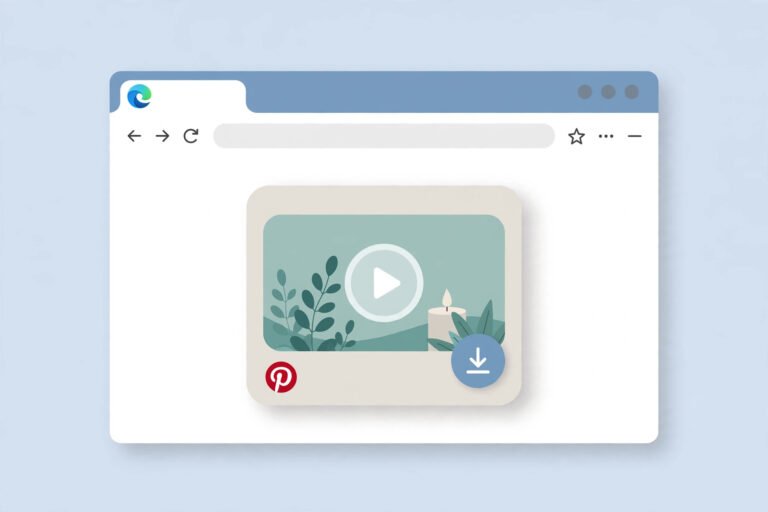
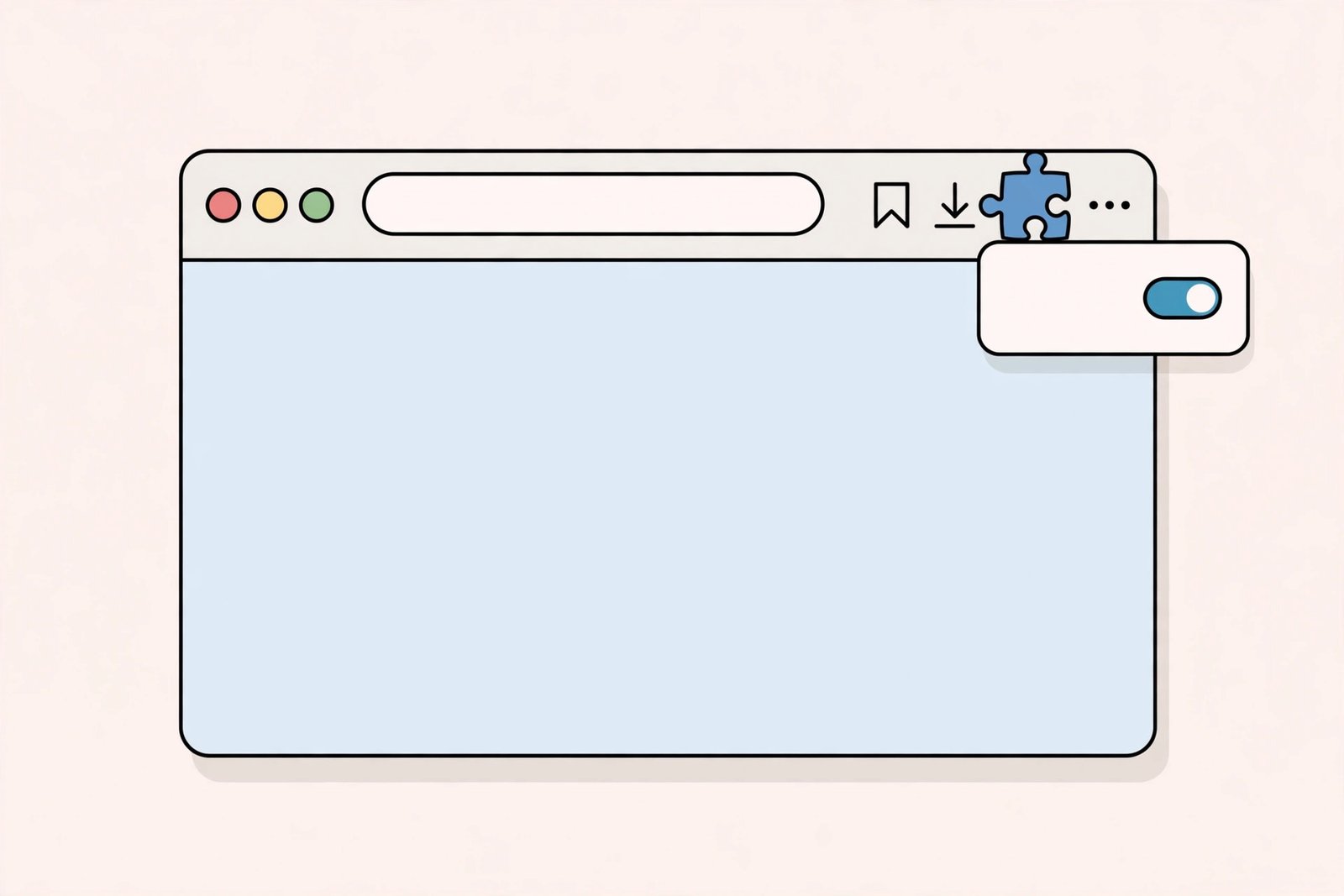
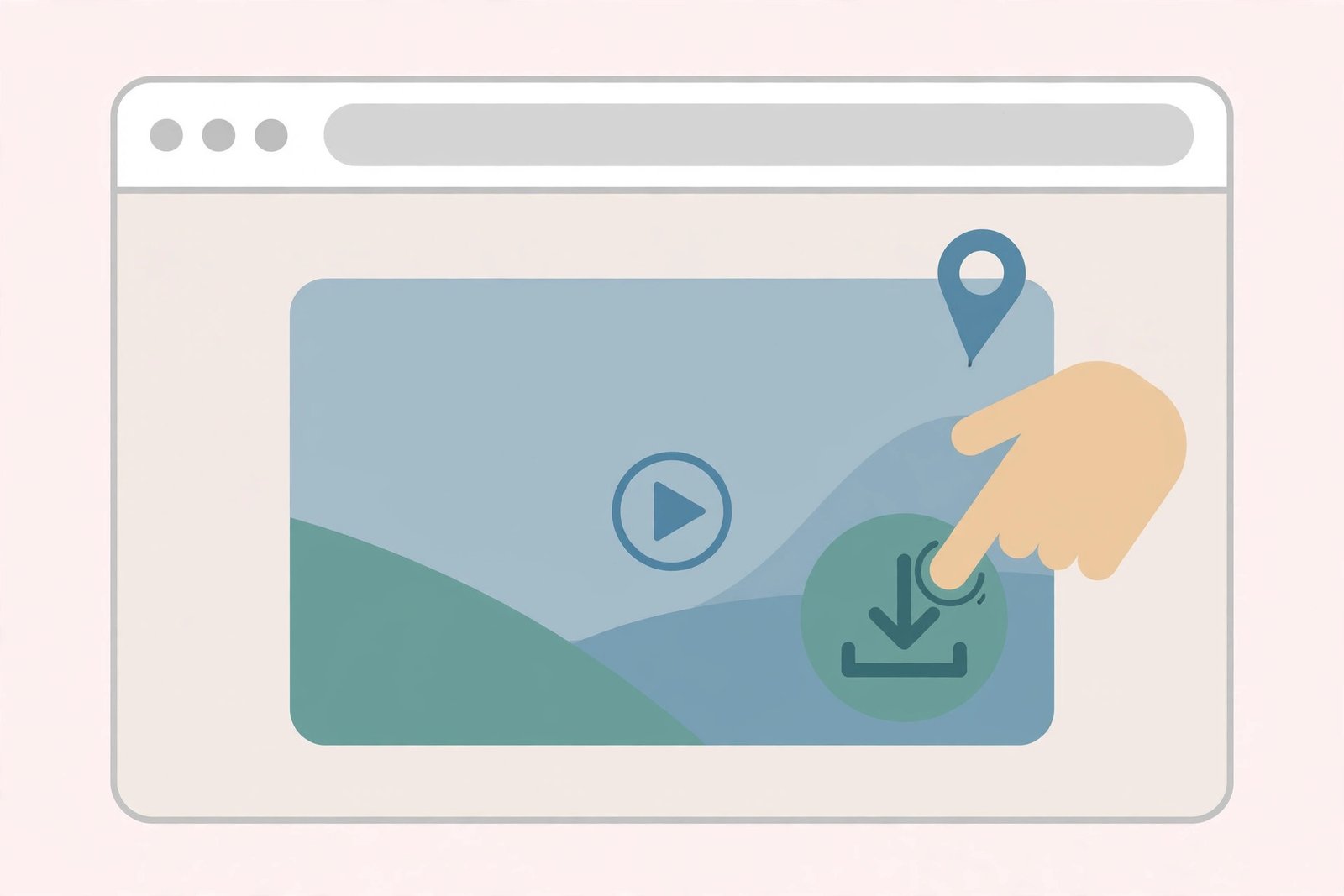
A pinterest video downloader chrome extension is a small add-on you install in the Chrome browser. Once it is installed, it watches for video pins while you browse Pinterest. When it finds one, it shows a download button on or near the pin.
Clicking that button saves the video file straight to your Downloads folder. You never have to copy the pin link, paste it into another website, or wait for an online tool to process it. Everything happens right on the Pinterest page.
Most of these extensions handle more than videos. A good pinterest downloader chrome extension also saves images, GIFs, and sometimes entire boards. Some extensions redirect you to their companion website to finish the download, while others grab the file directly in the background.
One important note before we go further: an extension can only download pins that are publicly accessible. If a video sits on a private board or the creator restricted it, no extension can reach it. That is a hard limit of how Pinterest works, not a flaw in the tool.
Do Pinterest Video Downloader Chrome Extensions Actually Work?
The honest answer is: some do, and many do not. The Chrome Web Store is full of extensions with names that sound promising. A lot of them are outdated, broken by Pinterest updates, or so stuffed with ads that they are barely usable.
The ones that still work in 2026 share a few traits. They were updated recently, they have real user reviews (not just a handful of five-star ratings from the developer’s friends), and they request only the permissions they actually need — access to pinterest.com pages, nothing more.
Extensions fail for one main reason: Pinterest changes its website code regularly. When Pinterest renames the HTML elements that hold the video, an extension that was finding them by the old names breaks overnight. Developers who maintain their extensions push an update within days. Developers who abandoned theirs leave you with a dead button.
That is why checking the “Last updated” date on the Chrome Web Store page matters more than the rating. An extension updated within the last few months is far more likely to work than one with a 4.8-star rating from 2023. If you want to download pinterest video on chrome reliably, pick maintained tools.
The 7 Best Pinterest Video Downloader Chrome Extensions in 2026
I looked at what is actually available and maintained on the Chrome Web Store right now. Here are the extensions worth your time, what each one does best, and where each one falls short. All of them are free to install.
1. Pinterest Video Downloader – Pingrab
Pingrab adds a clean download button to every pin and video when you hover over it. One click copies the pin link, opens the Pingrab downloader page, pastes the link automatically, and starts the download. It supports MP4 videos in HD and Full HD, plus images.
The best part is how lightweight it feels. There is no login, no account, and the developer states that all processing happens locally in your browser. It works on Windows, macOS, ChromeOS, and Linux, and on all Chromium-based browsers — not just Chrome. If you want a pinterest video downloader chrome extension that stays out of your way, this is a strong pick.
The trade-off: downloads go through the companion website in a new tab, so it is one extra tab hop compared to extensions that save the file directly. Most people will not mind, but it is worth knowing.
2. PinOut – Pinterest Downloader
PinOut is simple and fast. Hover over any image larger than 150×150 pixels and a download button appears. For videos, the button shows up right on the video pin. Clicking opens PinOut’s downloader with the file ready to go.
It works across the feed, boards, and individual pin pages, and it keeps up with Pinterest’s infinite scrolling, so new pins that load as you scroll get buttons too. The extension popup lets you toggle the image and video features on or off separately, which is a nice touch if you only want one of them.
One quirk: you must accept the terms of use in the popup before the features activate. It takes five seconds, but do not skip it or you will wonder why nothing happens. If you need a chrome extension to download pinterest videos quickly, PinOut is one of the simplest options.
3. Pinterest Video Downloader – KlickPin
KlickPin gives you one-click downloads for videos, images, and GIFs directly from Pinterest pins. The “Download It” button appears when you hover over a pin, and it works whether you are logged into Pinterest or browsing in incognito mode.
It supports all regional Pinterest domains — .com, .de, .co.uk, .fr, and others — which is useful if you browse a country-specific version of the site. The developer says it requests no special permissions beyond what it needs, and it collects no user data.
Remember to reload your Pinterest page after installing. KlickPin only injects its buttons into pages that load after it is active, so a fresh reload is required before the first download. This is true of most extensions in this category, not just this one.
4. Pinterest Video & Image Downloader – SPD
SPD (Super Pinterest Downloader) adds a quick-access download button to every pin for videos, images, and GIFs in HD quality. Hover over a pin, click, and a new tab opens with your download ready through their download page.
It is designed to handle all kinds of Pinterest URLs, and it works on all Pinterest domains. No login is needed, and it runs well on desktops, laptops, and Chromebooks. If you regularly switch between devices, that cross-device consistency is handy.
Like KlickPin and Pingrab, the actual download is completed on the developer’s website rather than silently in the background. That means a small popup blocker setting or a strict ad blocker can occasionally interfere — something to keep in mind when troubleshooting.
5. Download Pinterest Videos – PinSnap
PinSnap is a tiny extension — barely over 60KB — that does one job: adds a download button to Pinterest videos, GIFs, and images. The workflow is dead simple: open Pinterest, find a pin, click the download button at the top of the pin, wait a few seconds for the file.
Because it is so small, it adds almost nothing to Chrome’s memory usage. The developer discloses that it collects no data at all. If your priority is a minimal, no-fuss pinterest video downloader chrome extension, PinSnap’s simplicity is the appeal.
The downside of a minimal tool is minimal support. Tiny one-developer extensions like this can disappear from the store or go unmaintained. Check that it is still listed and recently updated before you rely on it.
6. Pinterest Board Bulk Downloader
Different idea: instead of saving pins one by one, this extension downloads entire boards, profiles, or search results at once. It handles images and videos, including Pinterest-hosted video pins, reels, and tutorials, and sorts everything into folders named after the board.
This is built for people who collect inspiration at scale — designers building mood boards, bloggers archiving visual ideas, researchers saving references. It is engineered to work with Pinterest’s infinite scrolling and can grab media that single-pin extensions sometimes miss.
Fair warning: bulk downloading someone else’s board is the fastest way to run into copyright questions. Save boards for personal reference and inspiration, but do not repost other people’s work as your own. I will cover the creator-respect rules later in this guide.
7. Unpinned – Pinterest Downloader
Unpinned downloads entire Pinterest boards in their original, full resolution — no compression. The free plan covers up to 50 pins per board, which is enough to test it properly. Paid plans unlock unlimited downloads.
Setup takes a minute: install from the Chrome Web Store, open the extension, create a free account, visit any board, and click the Unpinned icon. Keep the icon visible by pinning it to your toolbar from the Extensions puzzle-piece menu.
This one is honest about being a business: it is built by a small studio, and the paid tier is how they fund maintenance. If free limits frustrate you and you download boards often, the paid plan is at least transparent about what you get.
How to Install and Use a Pinterest Video Downloader Chrome Extension
Installing a pinterest video downloader chrome extension takes less than a minute. The steps are the same for every extension on the Chrome Web Store:
- Open Chrome and go to the Chrome Web Store.
- Search for the extension by name, for example “Pinterest Video Downloader”.
- Click the extension in the results, then click Add to Chrome.
- Read the permission request carefully, then click Add extension.
- Reload any open Pinterest tabs so the extension can activate on them.
- Open Pinterest, hover over a video pin, and click the download button.
Most extensions pin their icon to the Chrome toolbar automatically. If you do not see it, click the puzzle-piece icon in the top-right corner of Chrome, find the extension, and click the pin icon next to it. This also gives you quick access to the extension’s settings popup.
When you click download on a video, the file usually saves as an MP4 in your default Downloads folder. If nothing seems to happen, check two things: your browser’s download bar at the bottom of the window, and whether Chrome asked for permission to download multiple files. Some extensions trigger that prompt, and declining it silently blocks the download.
Pinterest Video Downloader Chrome Extension vs. Online Downloader
Should you use a browser extension or an online downloader website? It depends on how you browse. If you want to download pinterest video on chrome while you are already scrolling through Pinterest, an extension wins on convenience. The button is right there on the pin — no tab switching, no copying links.
An online downloader like PinSaveVideo’s Pinterest video downloader is better when you are on a phone, a work computer where you cannot install extensions, or you only download occasionally. You paste the pin link and get your file. No install, no permissions, no maintenance when Pinterest updates break extensions.
Honestly, many power users keep both. The extension handles daily browsing; the online tool covers mobile and the days the extension breaks after a Pinterest update. They solve the same problem through different doors.
If you mostly save videos to repost on TikTok or Reels, check out our guide on converting Pinterest videos to MP4 for the right format. And if you want the full picture of every way to save pins, start with how to download Pinterest videos.
Pinterest Video Downloader Chrome Extension Not Working? Fix It in Minutes
A pinterest video downloader extension not working is one of the most common complaints about these tools. The good news: most failures have simple causes. Work through these fixes in order.
1. Reload the Pinterest page
This fixes more cases than everything else combined. Extensions inject their buttons when the page loads. If you installed the extension while Pinterest was already open, the page never got the buttons. Press Ctrl+R (or Cmd+R on Mac) and try again.
2. Check that the extension is actually enabled
Go to chrome://extensions and make sure the toggle for your downloader is on. Chrome sometimes disables extensions after a browser update or when it flags a permission change. If the toggle is off, turn it back on and reload Pinterest.
3. Update the extension
Pinterest changes its page code often, and an outdated extension cannot find the video elements anymore. On chrome://extensions, turn on Developer mode in the top-right corner and click Update. Then check the extension’s store page to see if a newer version was released.
4. Disable conflicting extensions
Ad blockers, script blockers, and other Pinterest-related extensions can fight with your downloader. Temporarily disable your ad blocker on pinterest.com (most blockers let you whitelist a site) and see if the download button appears. If it does, add an exception for Pinterest.
5. Try a different pin
Some pins genuinely cannot be downloaded — private-board videos, restricted content, or pins where the video is embedded from another site. If the button works on other pins but not one specific video, the pin is the problem, not the extension.
6. Reinstall as a last resort
Remove the extension from chrome://extensions, restart Chrome, and install it fresh from the Web Store. This clears corrupted settings that updates sometimes leave behind. If a reinstall does not help, the extension is probably abandoned — switch to one from the list above that was updated recently.
Are Pinterest Video Downloader Chrome Extensions Safe?
Most well-known downloader extensions are safe, but “most” is not “all.” The Chrome Web Store hosts thousands of extensions, and downloader tools are a classic cover for data harvesting. Protect yourself with these habits.
- Install only from the official Chrome Web Store, never from a random website’s “Download” button.
- Read the permissions before you click Add extension. A downloader needs access to pinterest.com. It does not need your browsing history, your tabs, or access to every website.
- Check the developer information and reviews. Vague developer names, zero reviews, or hundreds of identical five-star reviews are red flags.
- Keep the number of installed extensions small. Every extension is code running in your browser — fewer means less risk.
- Remove extensions you no longer use instead of leaving them enabled.
A related safety point: never install a “Pinterest downloader” that asks you to log in with your Pinterest password on a third-party site, or one that asks for payment to “unlock” downloads you were promised for free. Legitimate downloaders in this list are free and never need your Pinterest credentials.
Respect the Creators Behind the Pins
Every pin belongs to the person who made it. Downloading a video to watch offline, study a technique, or keep a personal reference is generally fine. Re-uploading someone else’s video as your own — on TikTok, YouTube, Instagram, or anywhere else — is not, unless the creator gave permission or the content is licensed for reuse.
If you plan to use a downloaded video commercially, ask the creator first. A short message explaining what you want to use it for goes a long way. Many creators are happy to say yes when you credit them. When in doubt, treat every download as personal-use only.
FAQ: Pinterest Video Downloader Chrome Extensions
Do Pinterest video downloader Chrome extensions work on Mac and Windows?
Yes. Extensions run inside Chrome, so they work the same on Windows, macOS, Linux, and ChromeOS. Any extension listed in this guide works on all desktop platforms where Chrome runs.
Can I use a Pinterest video downloader Chrome extension on my phone?
Not really. Chrome on Android and iOS does not support extensions. On mobile, use an online downloader instead — for example, our guide to Pinterest download options for Chrome users covers the desktop route, and the online tool at PinSaveVideo works right in your phone’s browser.
Why did my Pinterest downloader extension stop working suddenly?
Pinterest almost certainly updated its website code, which broke how the extension finds videos. Reload the page, update the extension from chrome://extensions, and check whether the developer released a fix. If the extension has not been updated in months, it may be abandoned — switch to a maintained one.
Are these extensions really free?
The single-pin downloaders in this list are free with no watermarks or download limits. Bulk-download tools like Unpinned offer a free tier with limits and paid plans for unlimited use. Be suspicious of any extension that demands payment for basic single-video downloads.
Can an extension download videos from private Pinterest boards?
No. Extensions can only access publicly visible pins. Private boards, secret pins, and restricted content are off-limits to every downloader, extension or website. Any tool that claims otherwise is lying.
Conclusion
A pinterest video downloader chrome extension is the fastest way to save Pinterest videos while you browse on desktop: install a maintained extension, reload Pinterest, hover over a video pin, and click download. Keep both an extension and an online downloader handy so a Pinterest update never leaves you stuck.