Why Pinterest Has No Download Button (and the Easy Workaround to Save Videos)
You open a video on Pinterest, you tap the three dots, and you look for a download button. It is not there. If you have been wondering why Pinterest has no download button, here is the short answer: it is not a bug, and your app is not broken. Pinterest deliberately does not give you a way to download videos, and in this guide we will explain exactly why — plus the simple, safe workaround that lets you save Pinterest videos to your phone or computer in seconds.
Why Pinterest Has No Download Button
Pinterest has grown from a simple image bookmarking site into one of the largest video platforms on the web. Recipe reels, home renovation walkthroughs, style tutorials, and travel clips get millions of views every day. And yet, for all that video content, Pinterest still refuses to add a simple download button. That choice is deliberate, and it comes down to three big reasons.
Reason 1: Protecting Creators and Copyright
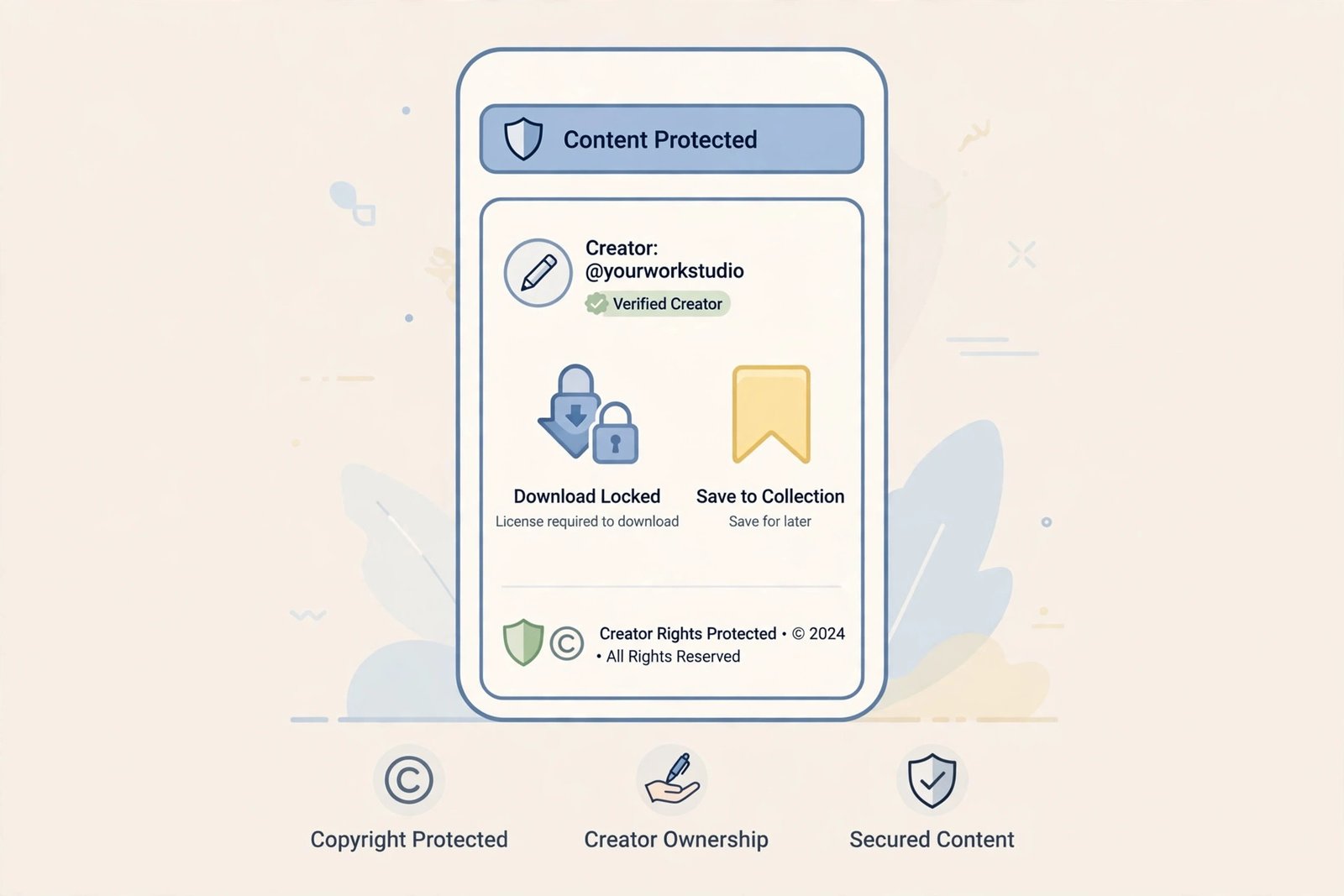
The biggest reason why Pinterest has no download button is creator rights. Millions of creators upload original video content to Pinterest expecting it to stay tied to their profile. If every viewer could download videos with one tap, those videos would be stripped of attribution, re-uploaded to other platforms, and passed around without any credit or link back to the creator.
Pinterest hosts a huge volume of copyrighted material, from brand campaigns to independent creator tutorials. A built-in download button would make copyright infringement effortless and could expose Pinterest to serious legal pressure from rights holders. By keeping downloads out of the app, Pinterest makes it harder for content to leave the platform without the creator knowing.
One important note: pins belong to their creators. If you save a video, use it for personal reference only — watching a tutorial offline, keeping a design idea, or saving inspiration. Commercial reuse, re-uploading someone else’s video, or using it in your own content requires the creator’s permission.
Reason 2: Pinterest Wants You to Stay in the App
Pinterest makes most of its money from advertising. That means every minute you spend inside the app matters. If you could download every interesting video, you would have no reason to come back — you could just watch everything offline from your camera roll. Fewer visits means fewer ad impressions, and that directly hurts Pinterest’s business.
This is also why Pinterest pushes you toward saving instead of downloading. The Save button pins content to your boards, which keeps you engaged with the platform, browsing more content, and seeing more ads. A download button would work against the entire engagement model.
Reason 3: The Re-Pin Ecosystem
Pinterest’s whole identity is built on sharing through re-pinning. When you save a video to a board, other users can discover it, the creator gets more reach, and the platform grows. Direct downloads would break this loop. Why re-pin something when you already have the file? By limiting downloads, Pinterest protects the sharing ecosystem that defines the platform.
Why Pinterest Has No Download Button for Videos Specifically
You might have noticed something confusing: Pinterest sometimes shows a “Download image” option when you tap the three dots on a photo pin. So why is there nothing similar for videos?
The answer is that video is treated as premium content. Images are easier to trace and watermark, and Pinterest has quietly allowed image downloads in certain app versions and regions. Video files, on the other hand, are larger, more valuable to creators, and far more likely to be re-uploaded elsewhere. Even in 2026, Pinterest gives you no native way to save a video pin as a file — the platform’s stance on video is firm.
There is also a technical angle. Pinterest’s video player streams video in small chunks through its content delivery network, and it never exposes a direct file link in the interface. On mobile, the app hides the raw video URL entirely. On desktop, you could technically dig through your browser’s developer tools to find the MP4 file, but that is slow, complicated, and not something most people would ever figure out. For most users, the video might as well not exist outside Pinterest at all.
What Pinterest’s Save Button Actually Does
Many users confuse the Save button with a download. They are very different things:
- Save adds the pin to one of your boards inside Pinterest. The video stays on Pinterest’s servers. If the original creator deletes the pin, your saved copy disappears too.
- Download would copy the actual video file to your device, where you could watch it offline, back it up, or transfer it — even if the pin is later deleted. Pinterest does not offer this.
Some users try a trick of saving a pin to a board first and then checking if a download option appears in the pin’s menu. Occasionally this works for images, where tapping the three dots after saving can reveal a download option. For videos, this workaround does not work — Pinterest simply has no video download option to unlock, no matter how many times you save or re-save the pin.
The Workaround: How to Save Pinterest Videos Anyway
Now for the good news. Just because why Pinterest has no download button is a deliberate policy does not mean you are stuck. There are several reliable workarounds to get the video file onto your device. Here they are, ranked from easiest to most effort.
Method 1: Use an Online Pinterest Video Downloader (Fastest)
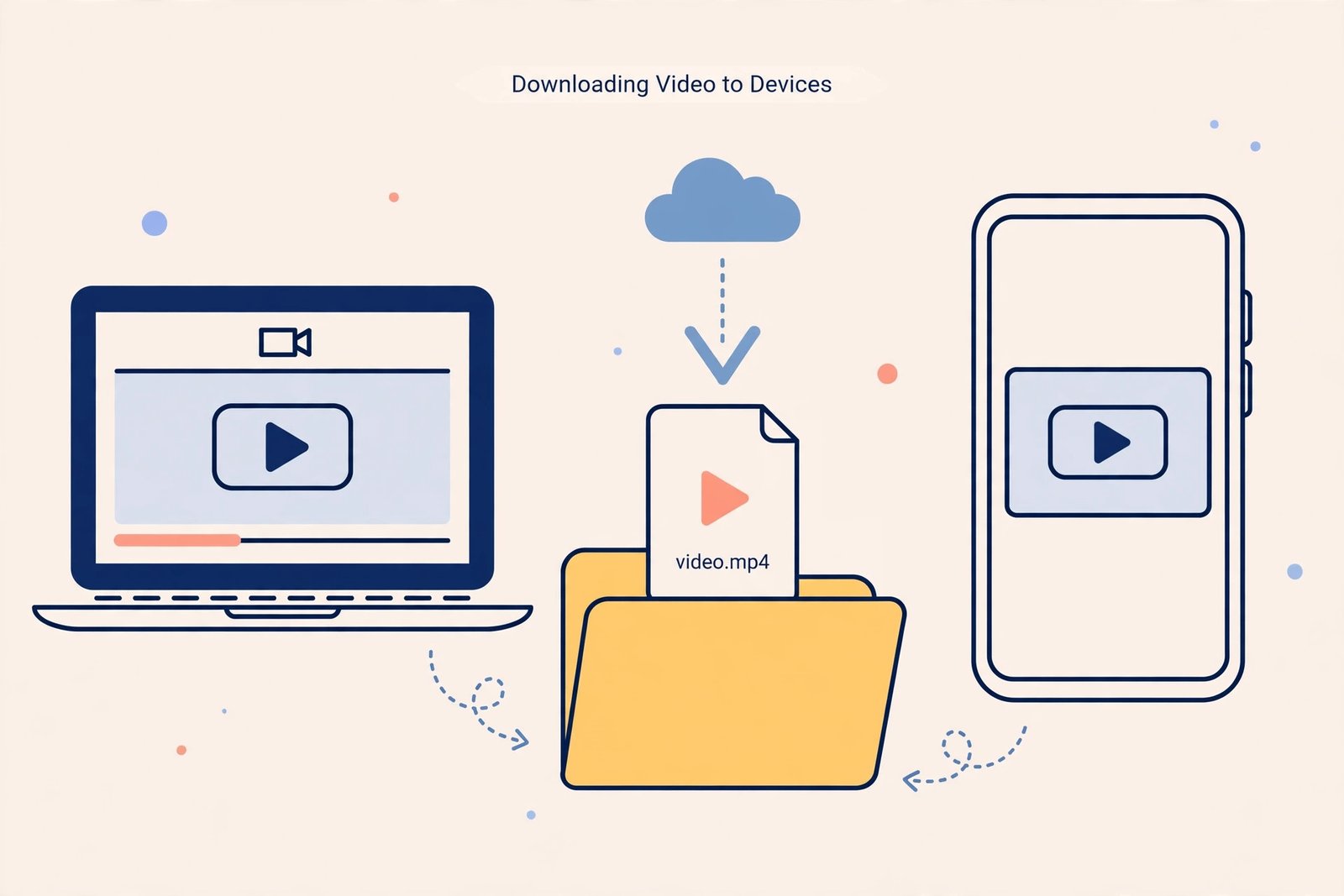
The simplest workaround is a free online tool. These tools read the public pin page, find the video file Pinterest itself serves, and hand you a download link. No app to install, no account needed. If you want the full step-by-step, read our guide on how to download Pinterest videos.
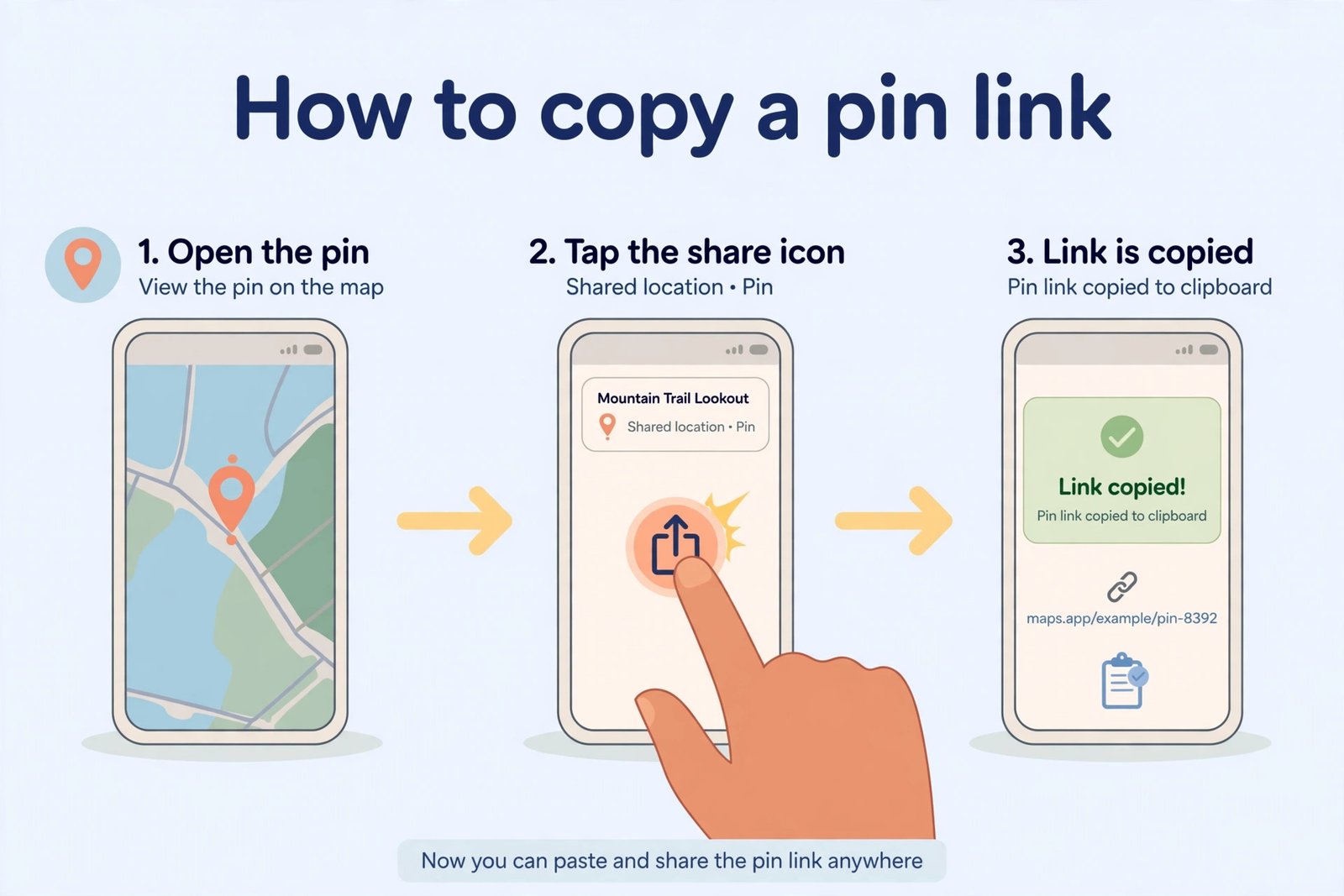
- Open the video pin in the Pinterest app or on the Pinterest website.
- Tap the share icon (the arrow pointing up) or the three dots, then tap Copy link.
- Open an online downloader such as our Pinterest video downloader in your browser.
- Paste the link into the input box and tap Download.
- Choose your quality and save the MP4 file to your phone or computer.
This takes about 30 seconds per video and works on iPhone, Android, and desktop. The downloaded file is usually the original quality — often sharper than the compressed stream you see in the Pinterest app.
Method 2: Browser Extension
If you save videos often, a browser extension can add a download function directly to the Pinterest page. This is convenient because you never leave Pinterest or copy links. The trade-off is that you must install software and trust it with access to your browsing activity. For occasional downloads, Method 1 is simpler. Learn more about what Pinterest downloaders are and how they work before deciding.
Method 3: Screen Recording (Last Resort)
Every iPhone, Android phone, and computer has a built-in screen recorder. You can record the video while it plays, which works in a pinch — but the quality depends entirely on your screen settings, you will capture interface elements like the progress bar, and you may need to crop and trim the result. Use this only when the other methods fail.
Method 4: Download Apps
Several mobile apps claim to download Pinterest videos. These can work, but they require installation, may show heavy ads, and some ask for excessive permissions. Always check reviews before installing, and prefer tools that do not require you to log in.
“Pinterest Videos Not Downloading” — Troubleshooting
If you are using a workaround tool and the video still will not download, one of these issues is usually the cause:
- The link is incomplete. Make sure you copied the full URL, either in the format pinterest.com/pin/xxxxxxxxx/ or the short pin.it format. Partial links will fail.
- The pin is private or on a secret board. Downloaders can only access publicly available pins. If the video is on a secret board, it cannot be downloaded — this is intentional and protects the owner’s privacy.
- It is not actually a Pinterest video. Some pins are just links to YouTube, TikTok, or other sites. If tapping the pin sends you to an external website, the video is not hosted on Pinterest and a Pinterest downloader cannot fetch it.
- The pin was deleted. If the creator removed the video, no tool can retrieve it. Download videos you care about sooner rather than later.
- Browser issues. Try clearing your cache, switching to a different browser, or turning off ad blockers that might interfere with the download page.
Common Misconceptions About the Missing Button
Because the question of why Pinterest has no download button comes up so often, a few myths keep circulating. Let us clear them up.
- “My app is glitched.” No — even a fresh install on the newest phone has no video download button. Updating or reinstalling will not change anything.
- “I saw a download button on someone’s screen.” What they saw was either the image download option (which exists in some cases) or a third-party browser extension that adds its own button. Pinterest itself never offers video downloads.
- “Maybe creators can enable downloads for their pins.” There is no such setting. Individual creators cannot turn on downloads for their own videos — the option simply does not exist in Pinterest’s tools.
- “The desktop website has it.” It does not. The desktop site has the same Save-only options as the mobile app, and the video player exposes no right-click download.
What About Other Platforms?
It is worth noting that Pinterest is not unusual here. Instagram and TikTok only allow downloads for certain videos, and usually with watermarks. YouTube keeps downloads inside its own app behind a Premium subscription. Platforms guard their content because their business depends on you watching inside their walls. Pinterest is simply stricter than most — it offers nothing at all for video, which is exactly why third-party workarounds are so widely used.
Tips for Downloading on iPhone and Android
A few platform-specific tips will make the workaround smoother:
- iPhone (Safari): When the download starts, iOS will ask permission with the message “This website is trying to download a file.” Tap Allow. The video lands in your Files app under Downloads — move it to Photos from there. For the full iPhone walkthrough, see our iPhone download guide.
- Android (Chrome): Downloads go straight to your Downloads folder and appear in your gallery automatically. If the file opens in a player instead of downloading, long-press the video and choose “Download” or “Save video”.
- Desktop: Right-click the download button on the downloader site and choose “Save link as” if your browser tries to play the video instead of saving it.
- Quality: Always pick the highest available MP4 option. Pinterest compresses what you see in the app, so the downloadable original often looks noticeably sharper.
Frequently Asked Questions
Will Pinterest ever add a download button?
There is no official announcement, and it is unlikely. Every reason behind why Pinterest has no download button — creator protection, ad revenue, and the re-pin ecosystem — still applies. Adding downloads would work against Pinterest’s entire business model.
Why can’t I download Pinterest videos on iPhone?
The Pinterest iPhone app has no download option because the platform does not provide one on any device. The Save button only pins content to your boards inside the app. To get the actual video file on your iPhone, copy the pin link and use an online downloader in Safari — it takes under 30 seconds and requires no app.
Is it legal to save Pinterest videos using a downloader?
Downloading for personal, offline use — like watching a tutorial later or keeping a design reference — is generally tolerated. What you must not do is re-upload someone else’s video, use it commercially, or strip the creator’s credit without permission. Pins belong to their creators, and commercial reuse always requires their consent.
Why do some pins show a download option and others do not?
For images, Pinterest sometimes shows a download option depending on the pin type, your app version, and your region. For videos, there is no download option on any pin, in any version, in any region. If you only see downloads on photos, that is exactly why — video is intentionally excluded.
Can I download videos from a private or secret board?
No. Private and secret-board pins are only visible to the account owner and invited users. Legitimate downloaders only work with publicly accessible pins. Never trust a tool that claims to download private content — it is either lying or doing something unsafe.
Final Thoughts
Why Pinterest has no download button comes down to a deliberate choice: protecting creators, keeping you inside the app, and preserving the re-pin ecosystem. But that does not stop you — copying the pin link and using a free online downloader gets the video onto your device in under a minute, whenever you need it.